For the whole class
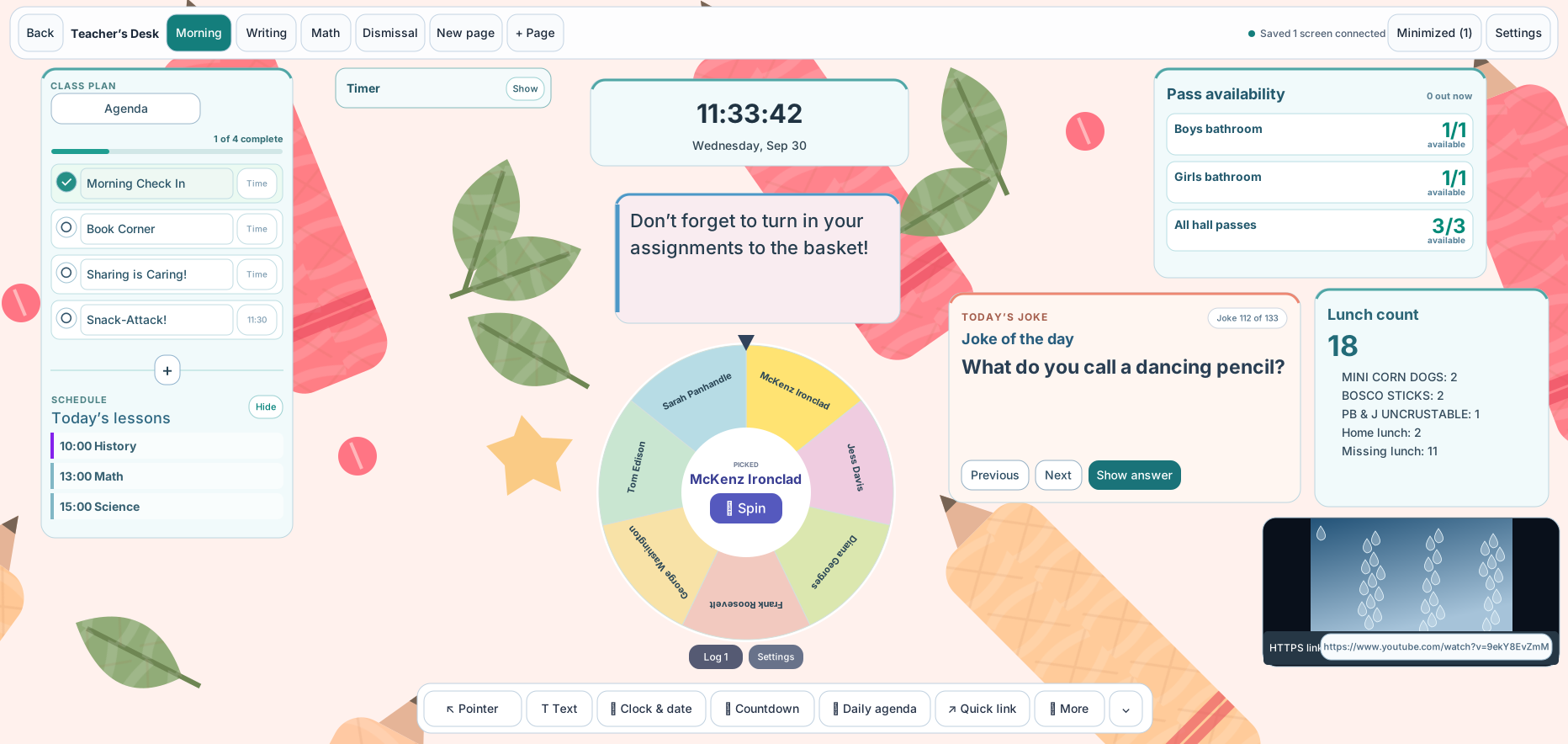
Teacher’s Desk
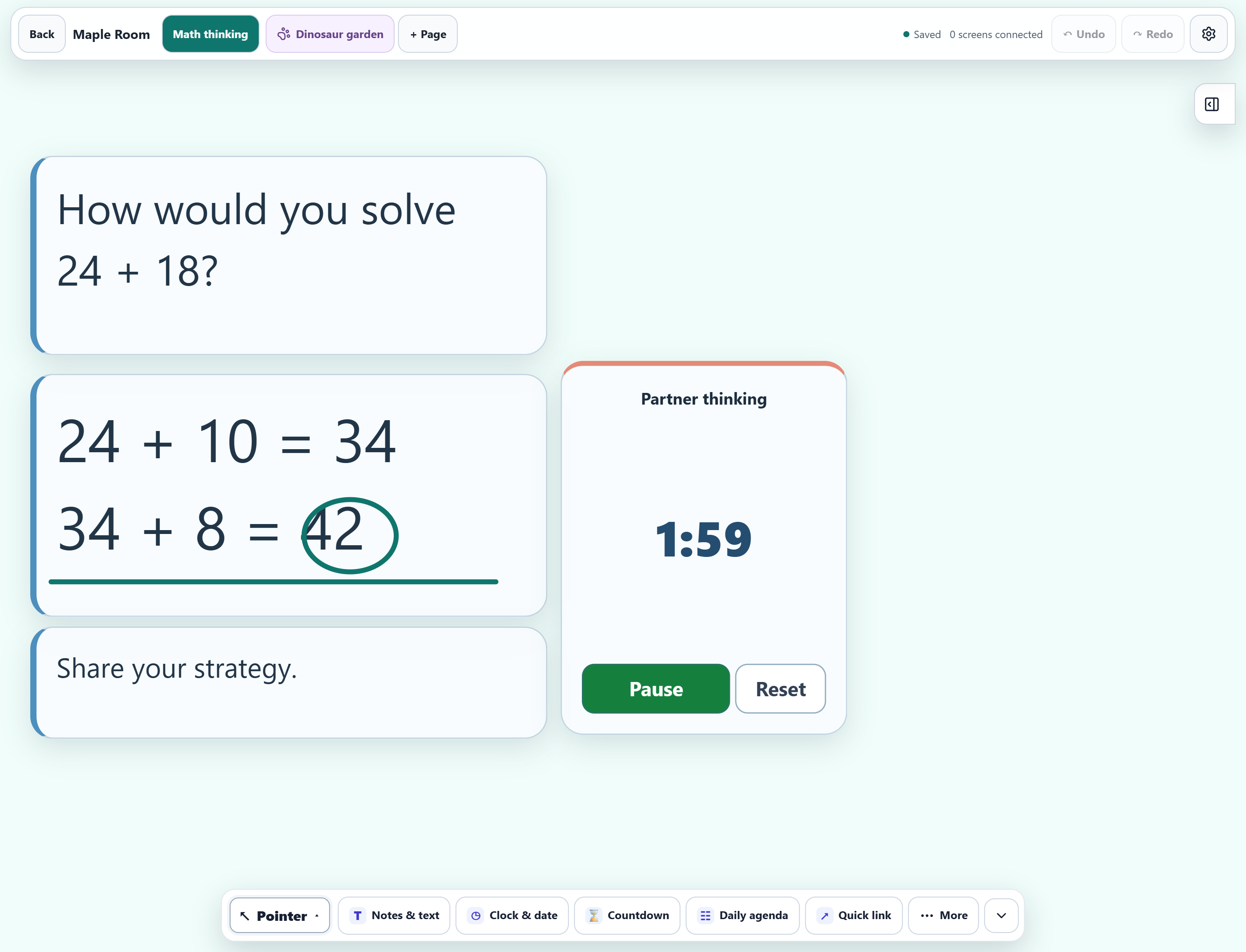
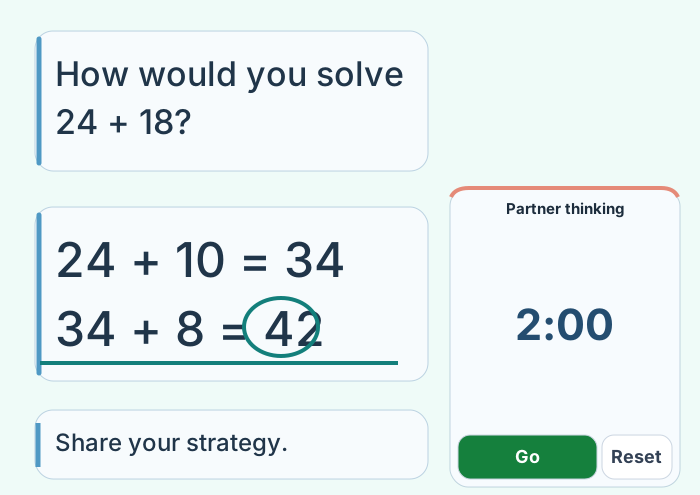
Keep instructions, the agenda, timers, student picking and annotations together on the shared classroom board.
For your classroom day
Plan your lessons, teach from a shared board, and let students check in at the kiosk. Keep attendance, lunch, participation and classwork together in your private teacher workspace.
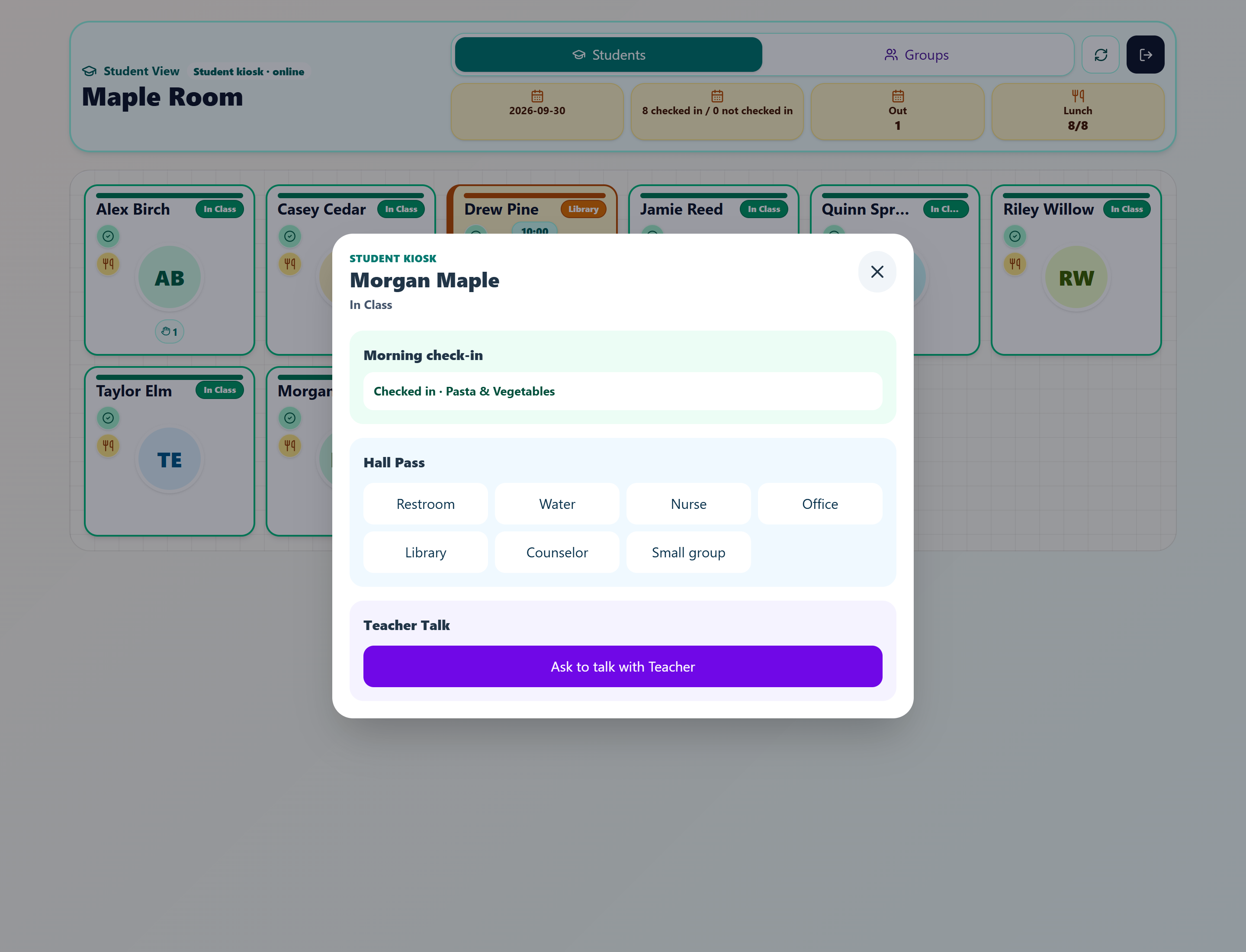
Student kiosk
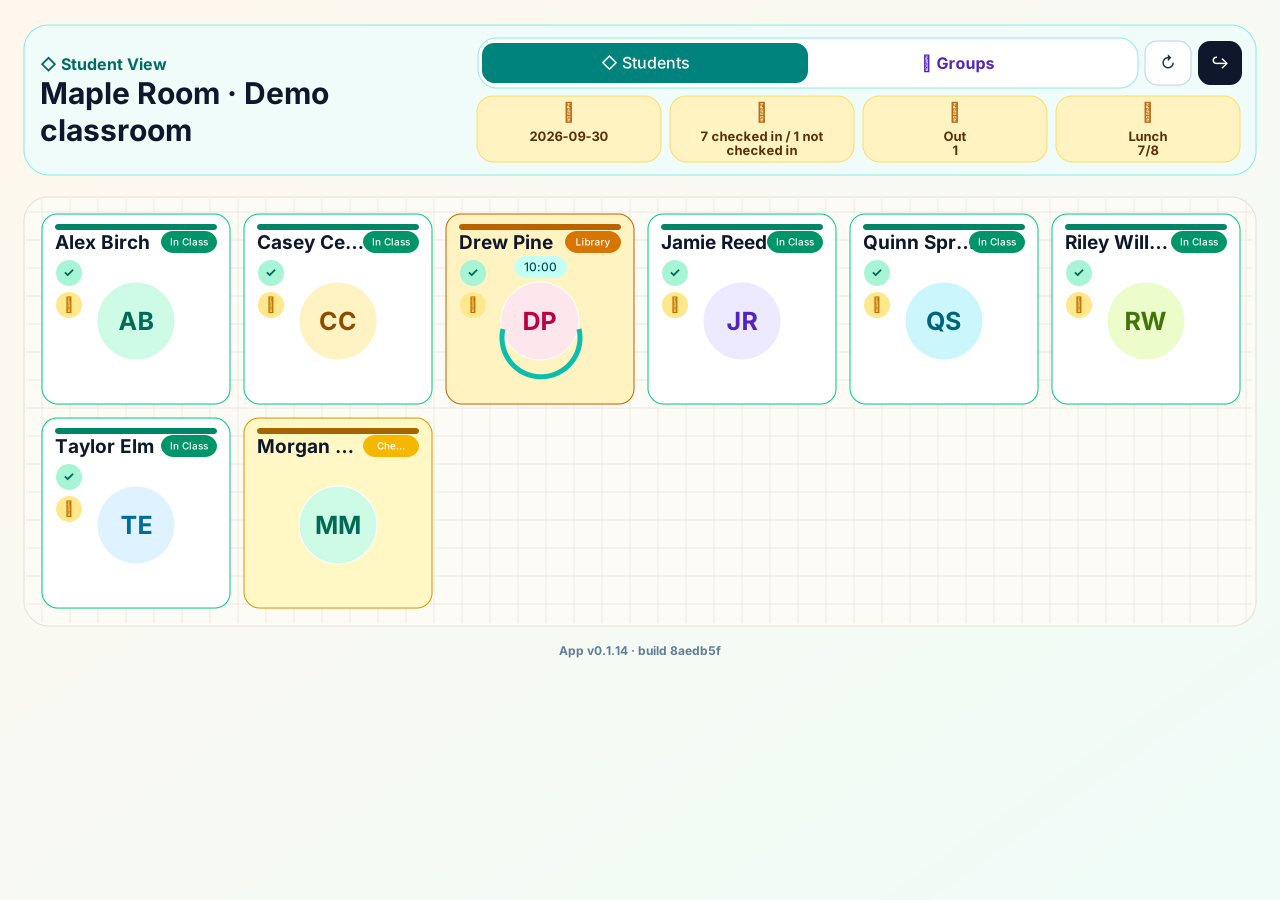
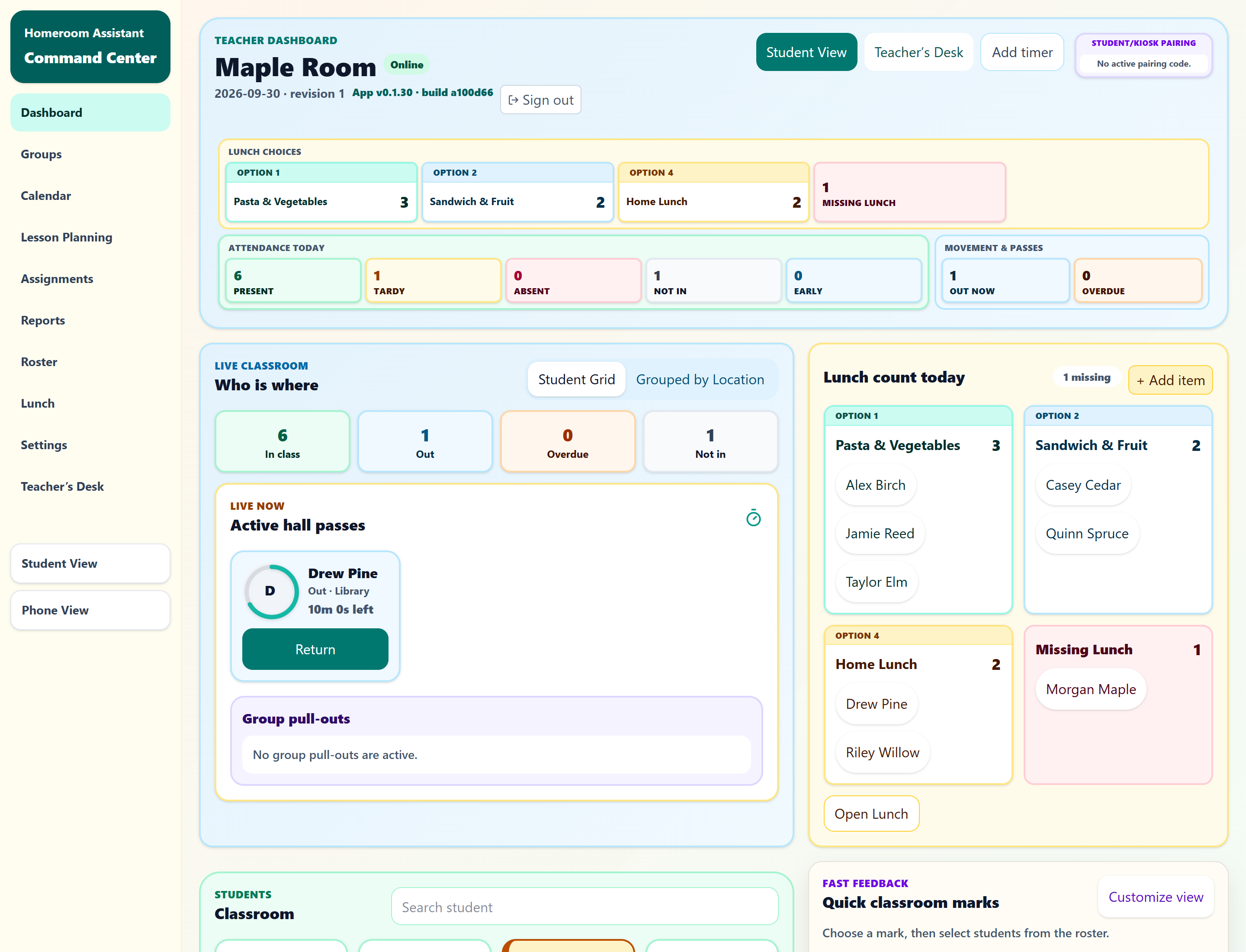
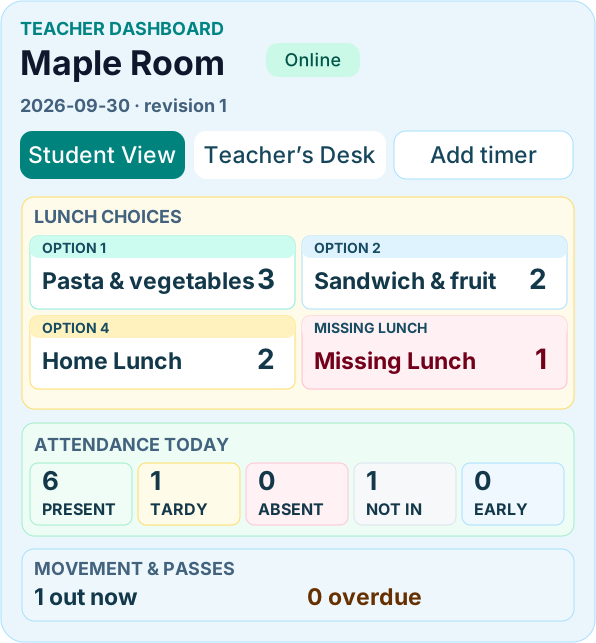
Teacher dashboard
Teacher’s Desk
A connected classroom day
A kiosk for student routines, a private workspace for you, and a shared board for the class.
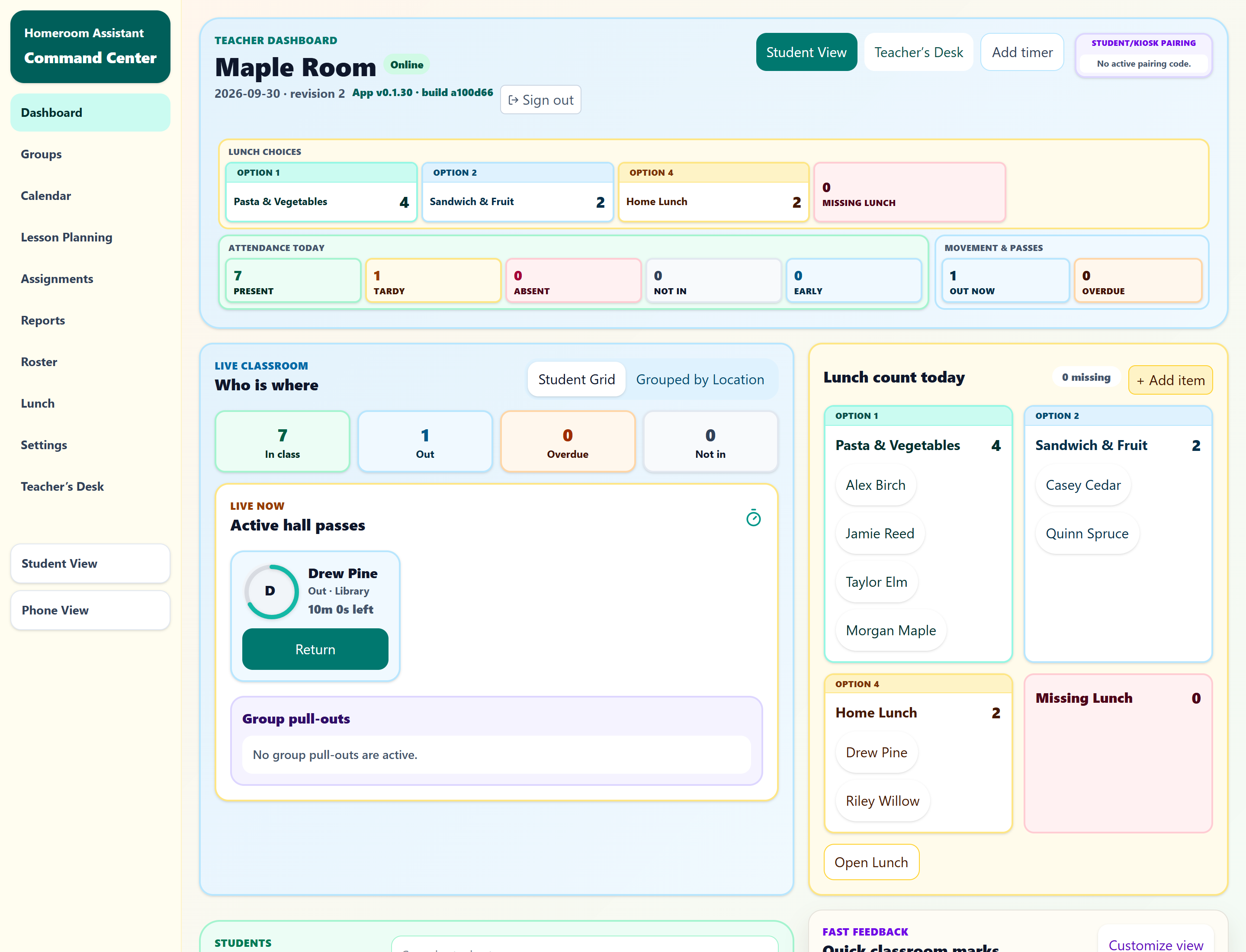
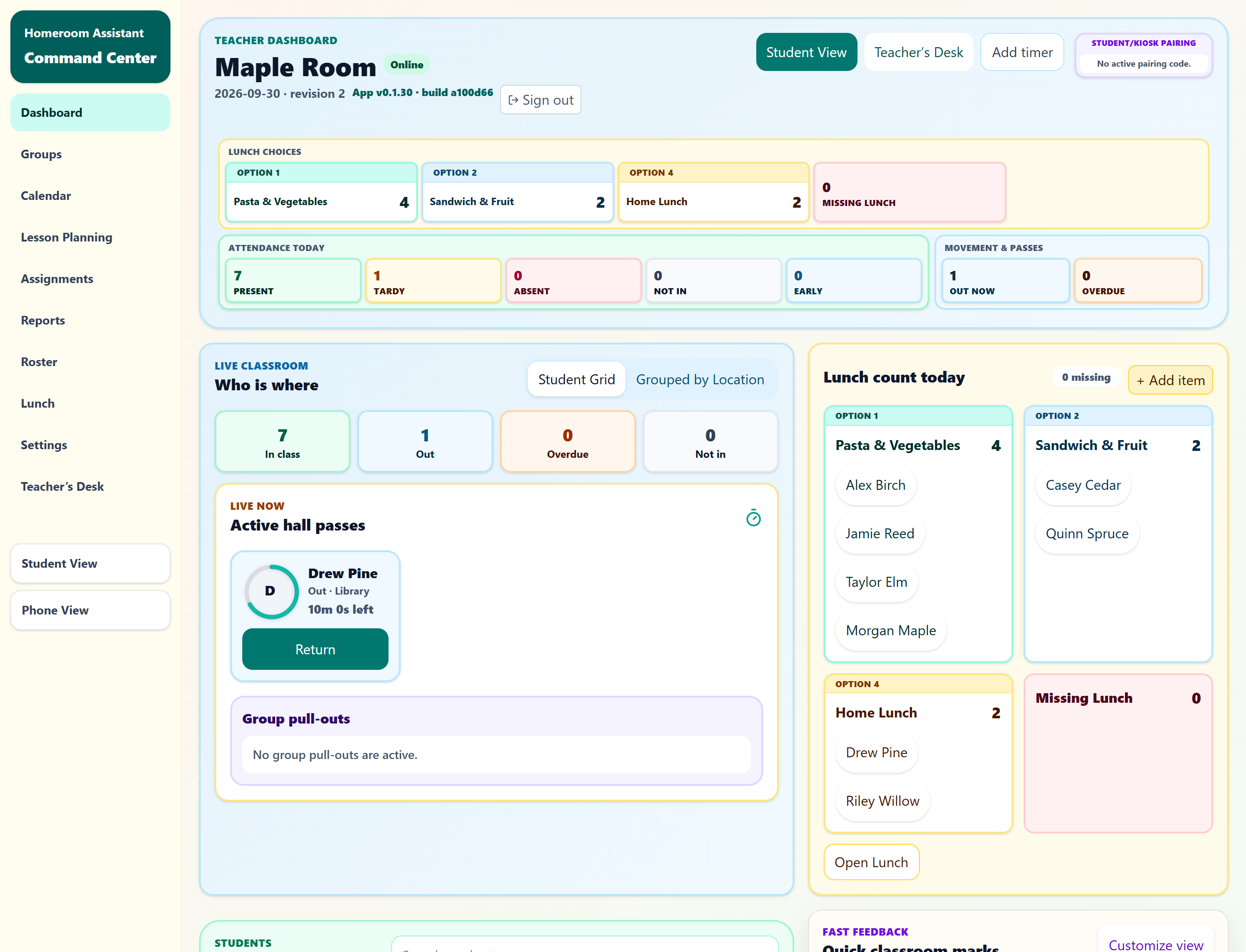
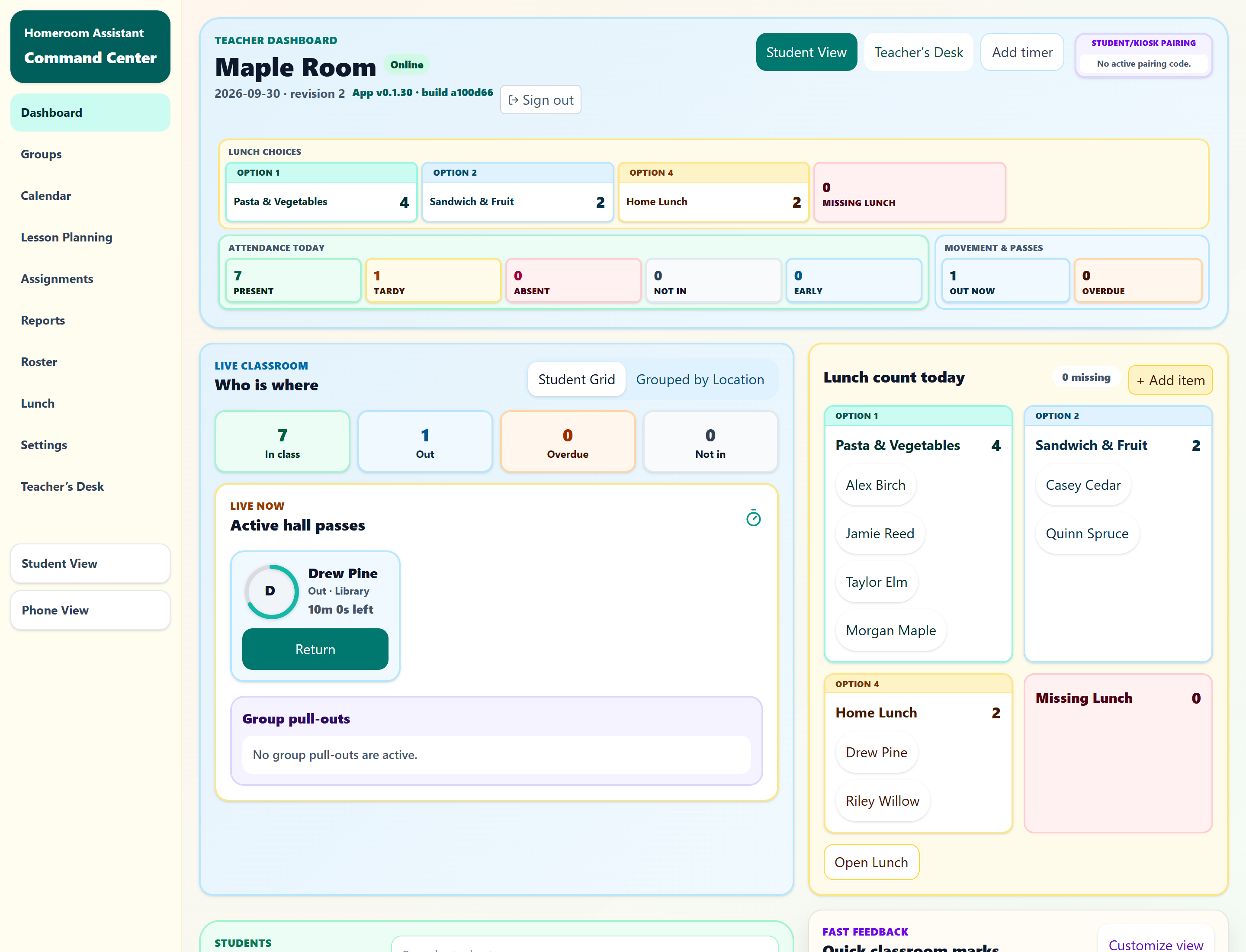
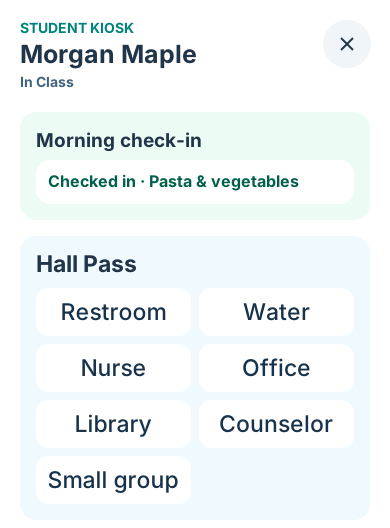
Morgan chooses Pasta & vegetables at the kiosk. In this fictional classroom, the check-in and lunch choice appear together in the teacher dashboard.
Sandwich & fruit and Home Lunch stay at 2 each. Present goes from 6 to 7; one student is still tardy.
Explore check-in in the demo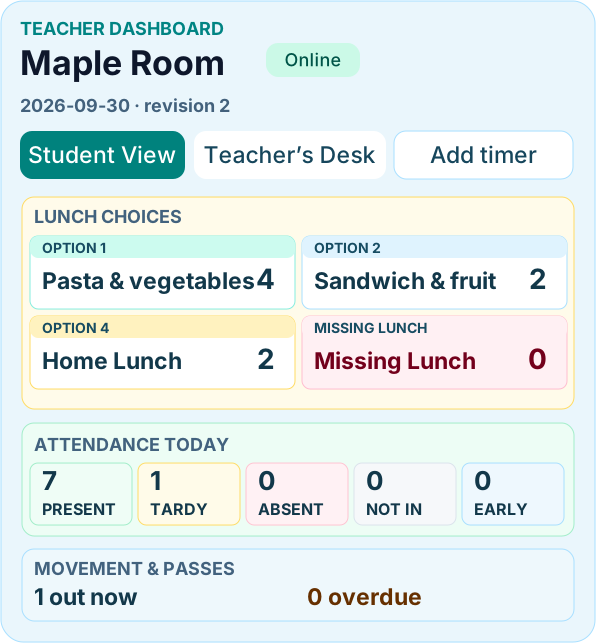
For the whole class
Keep instructions, the agenda, timers, student picking and annotations together on the shared classroom board.
For student routines
Students check in, choose lunch, use hall passes and record assignment turn-ins at the classroom kiosk.
For your private view
Plan lessons and see participation, behavior, attendance, lunch, passes and classwork in your private teacher workspace.
Shared lessons stay on the board. Participation, behavior marks, attendance, assignment reviews and student records belong in your private teacher workspace.
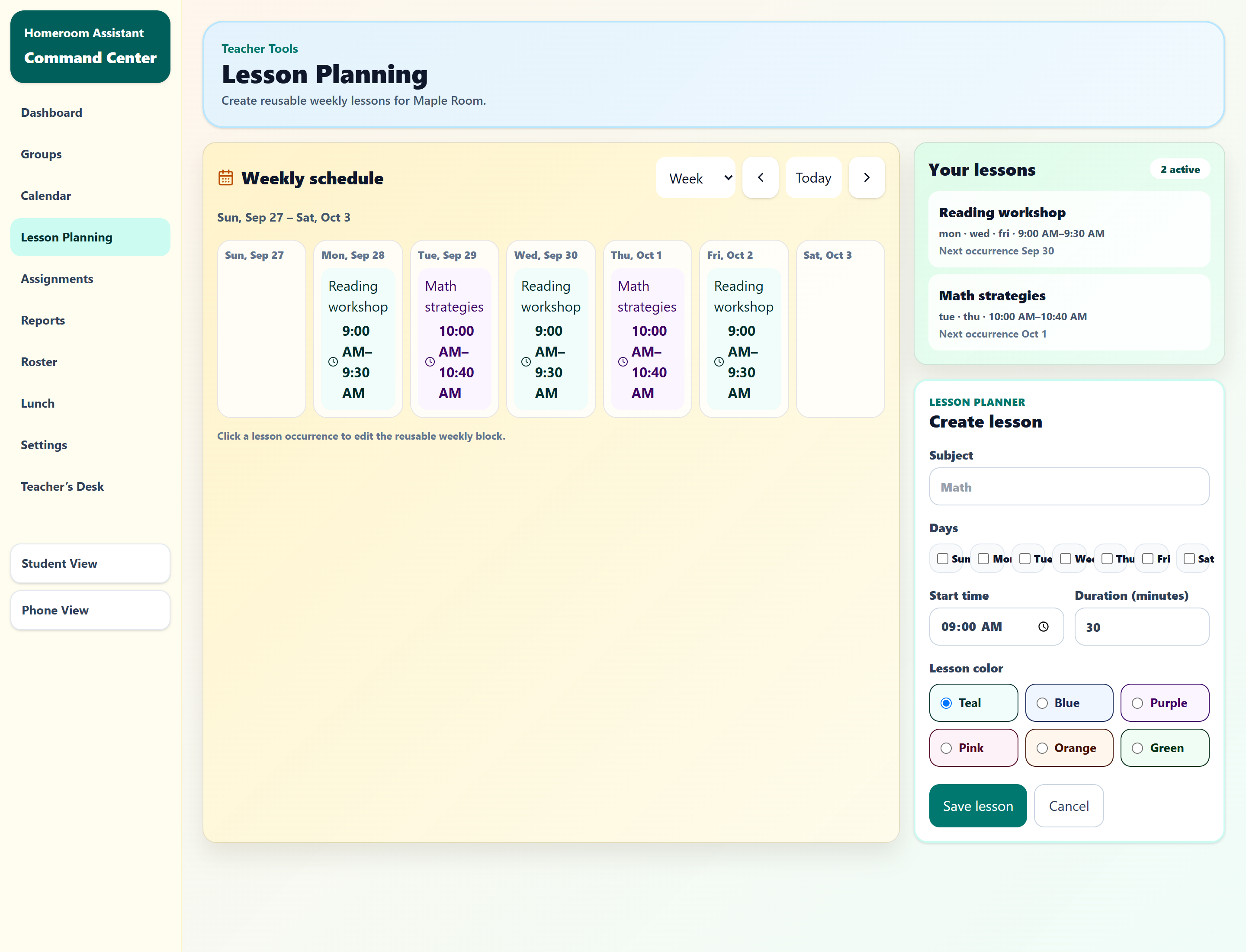
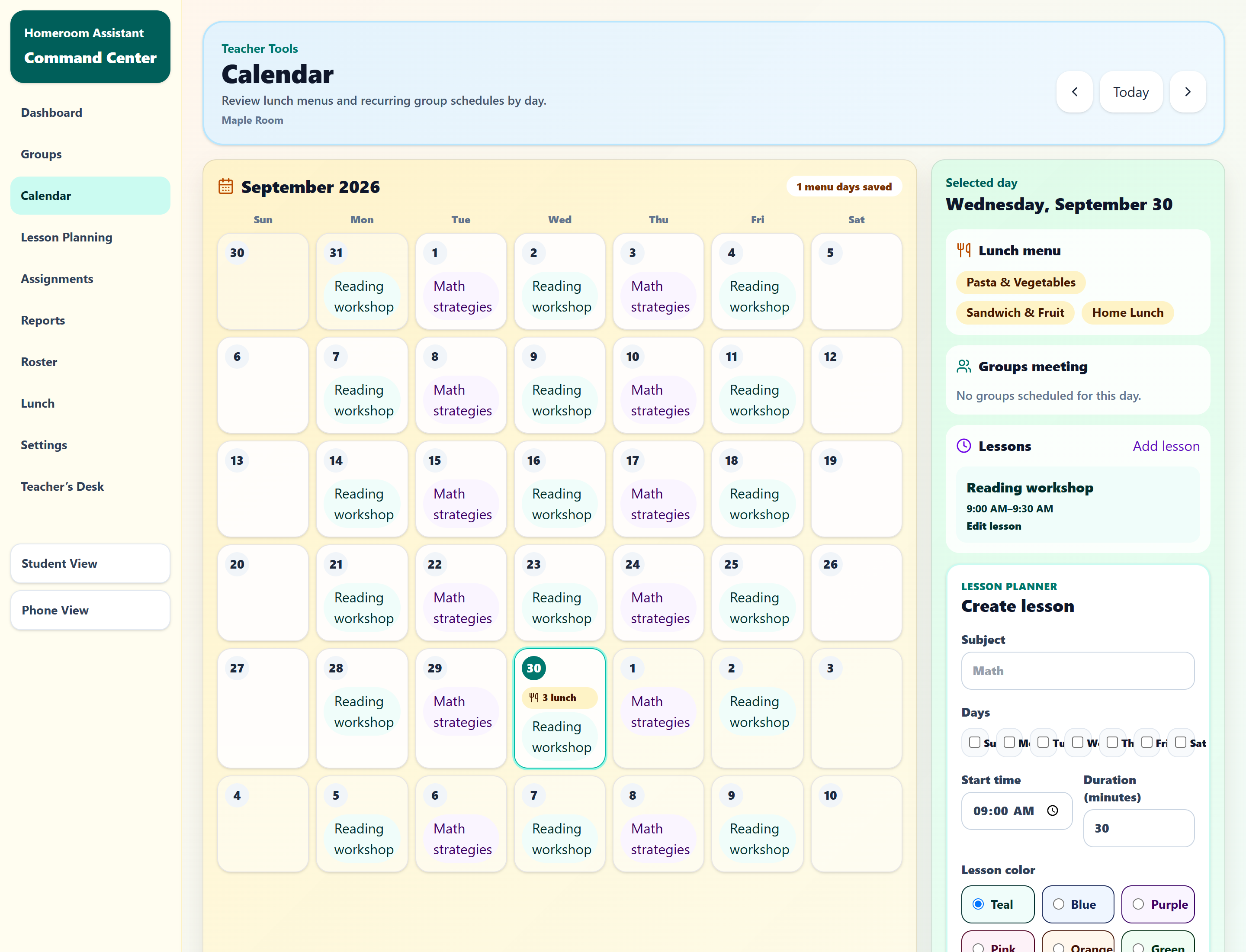
Create reusable weekly lessons and see them on your calendar alongside the day’s routines.
See lesson planningSee the calendarPlan recurring groups with times, members and destinations.
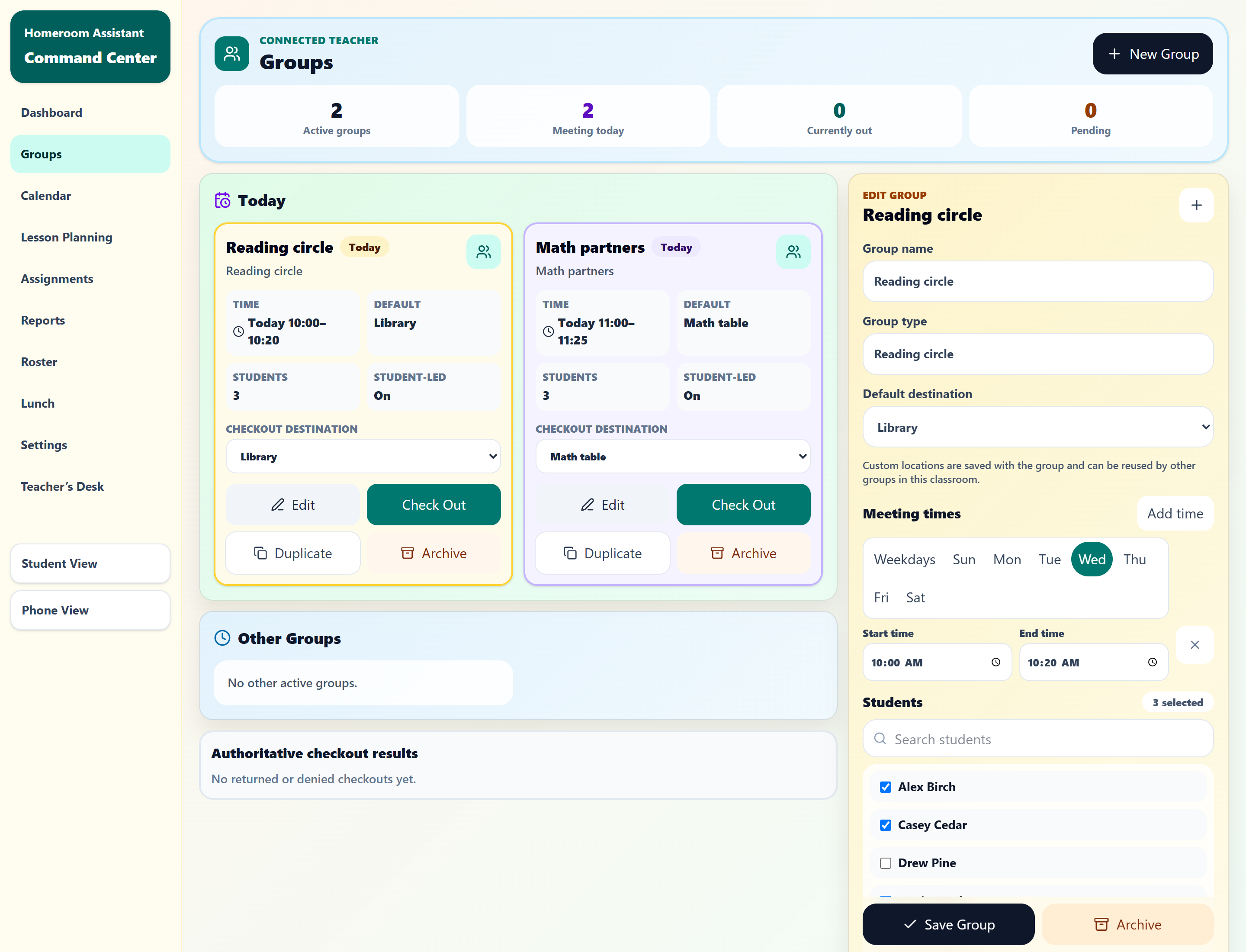
Explore a scheduled groupOpen a focused lesson roster with student locations and feedback controls close at hand.
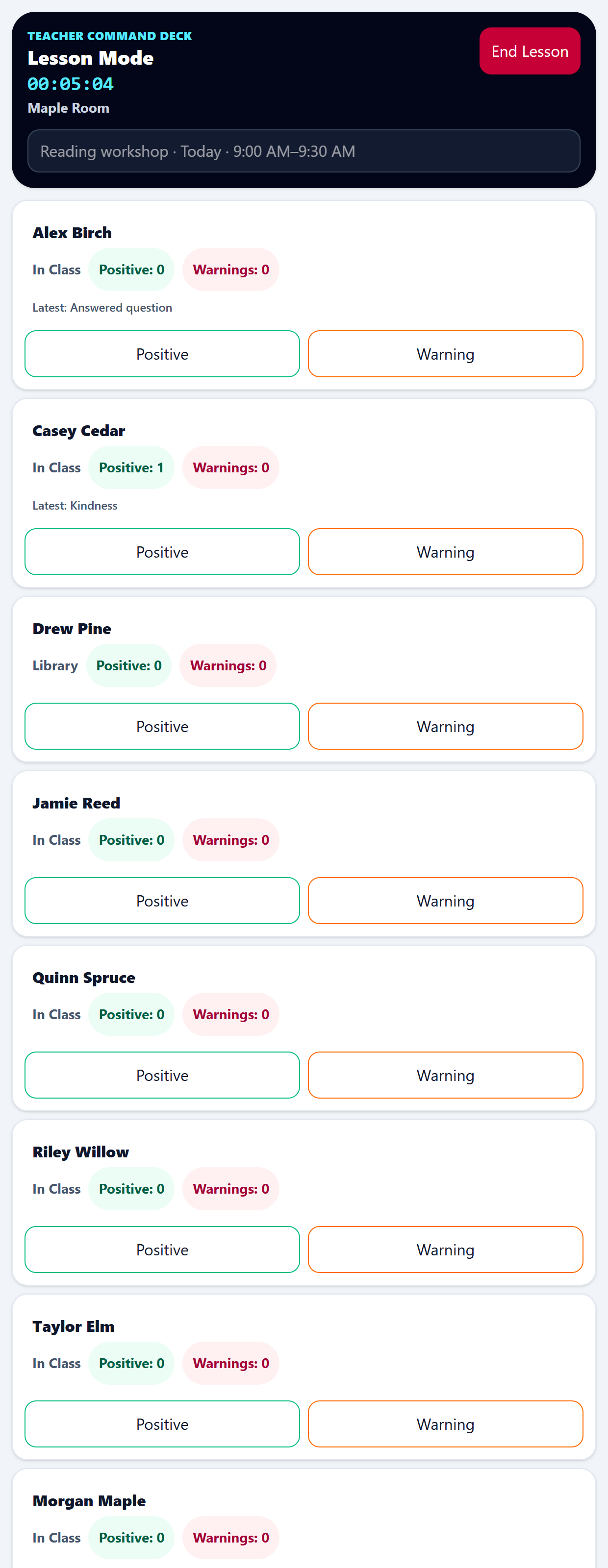
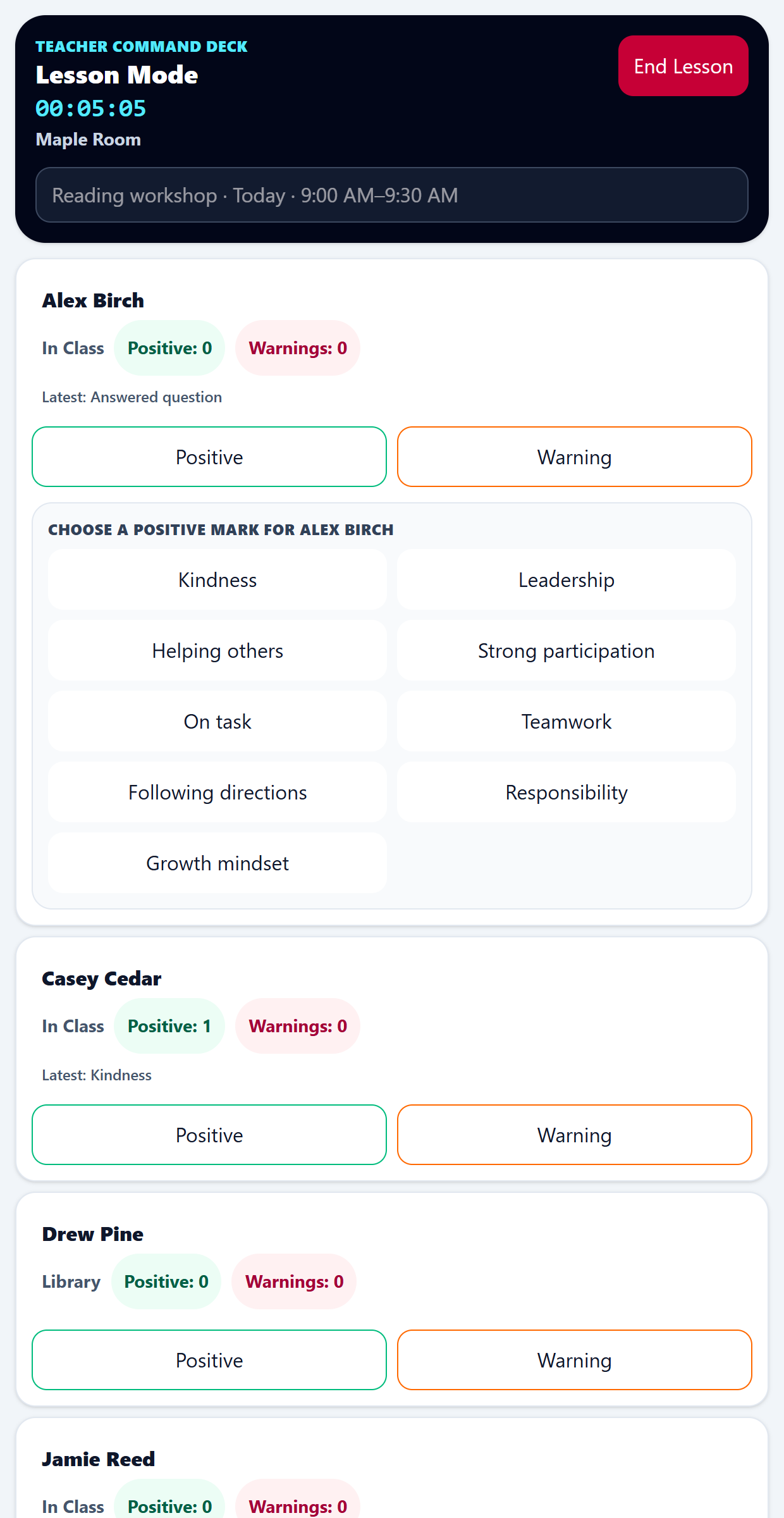
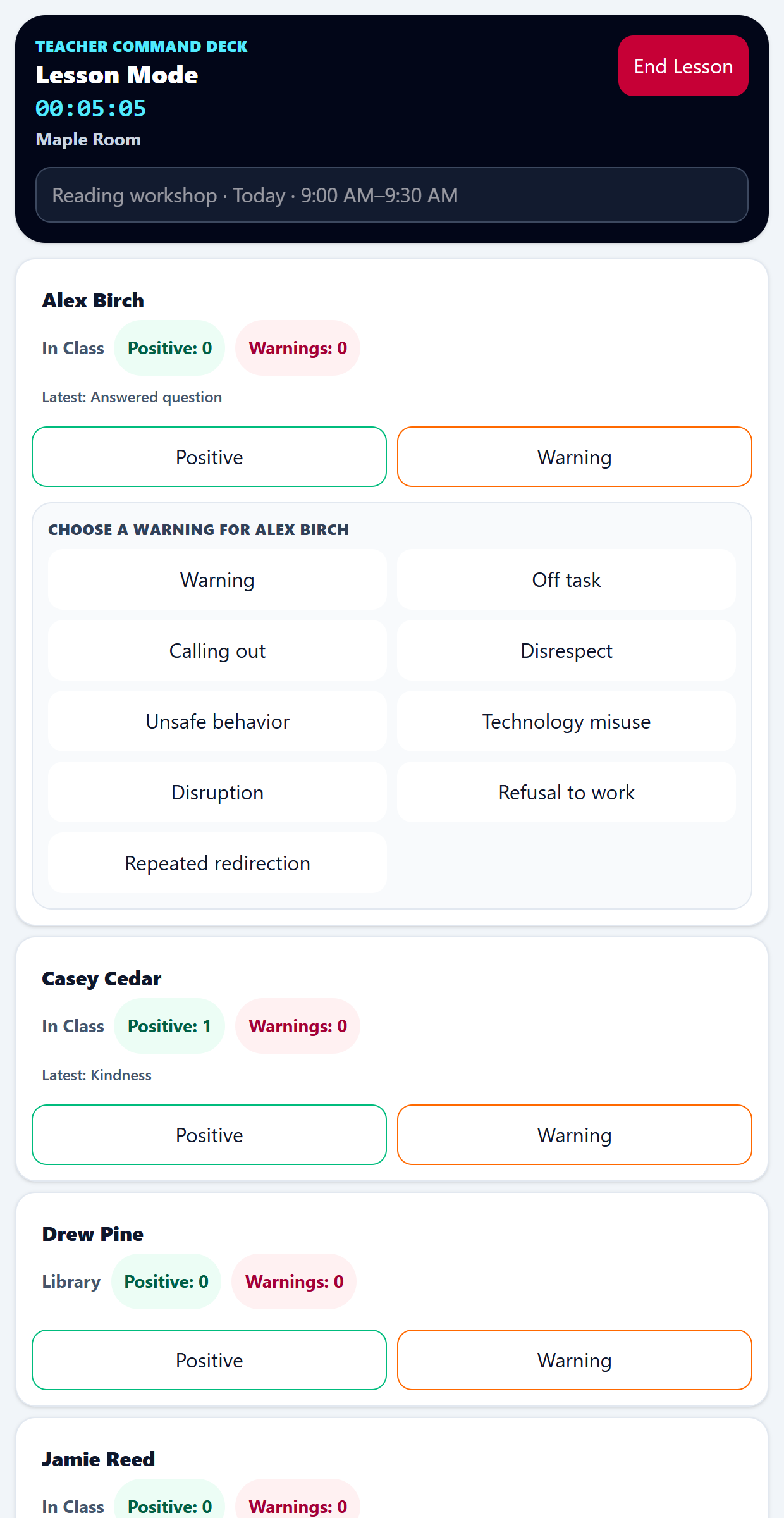
Explore Lesson ModeTrack participation and keep a separate record of Positive and Warning behavior marks in your private teacher workspace.
Explore Positive marksExplore Warning marksSee who is present, tardy or still to check in.
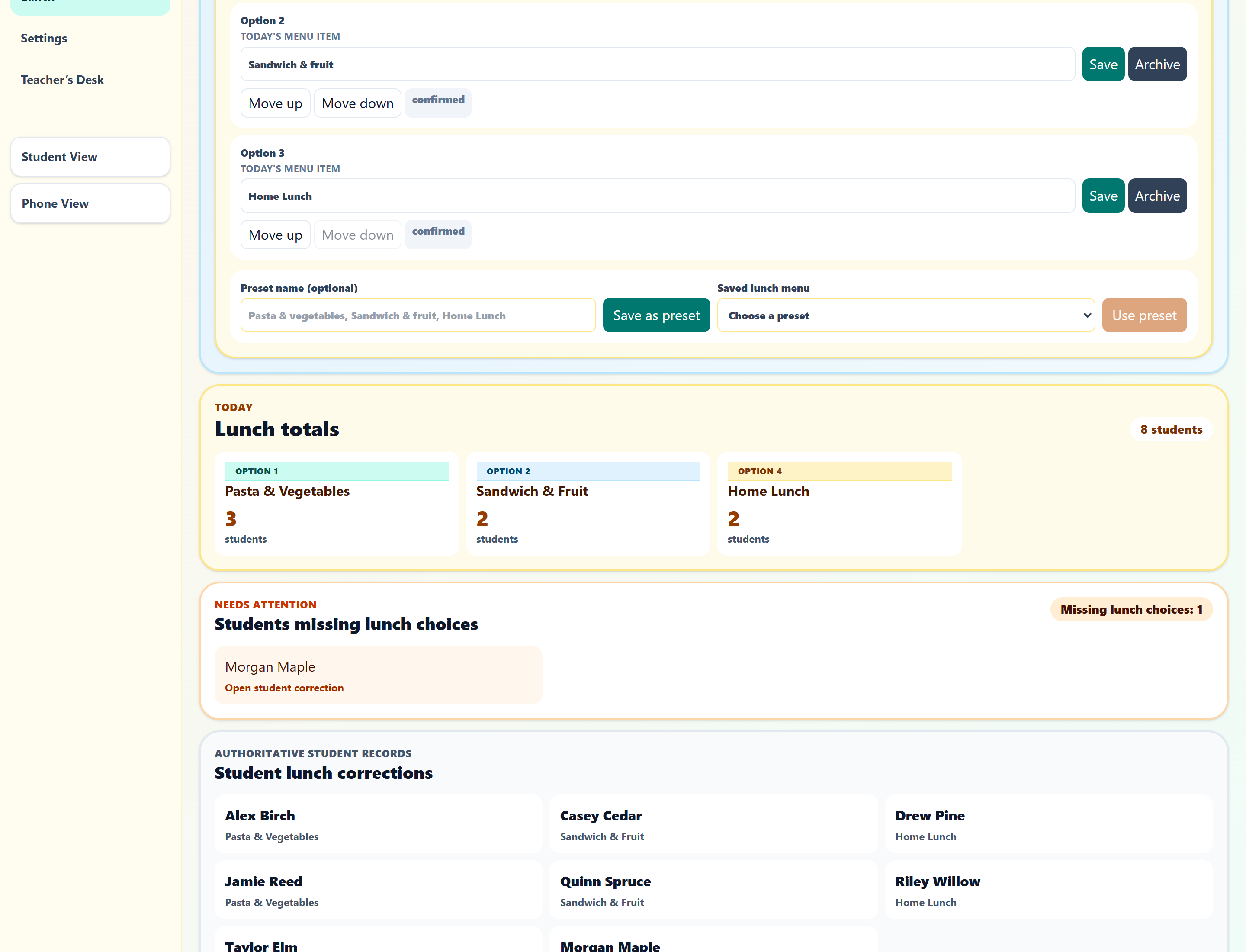
Explore attendanceSee each lunch total and spot missing choices.
Explore lunch countsKnow who is out, where they went and who has returned.
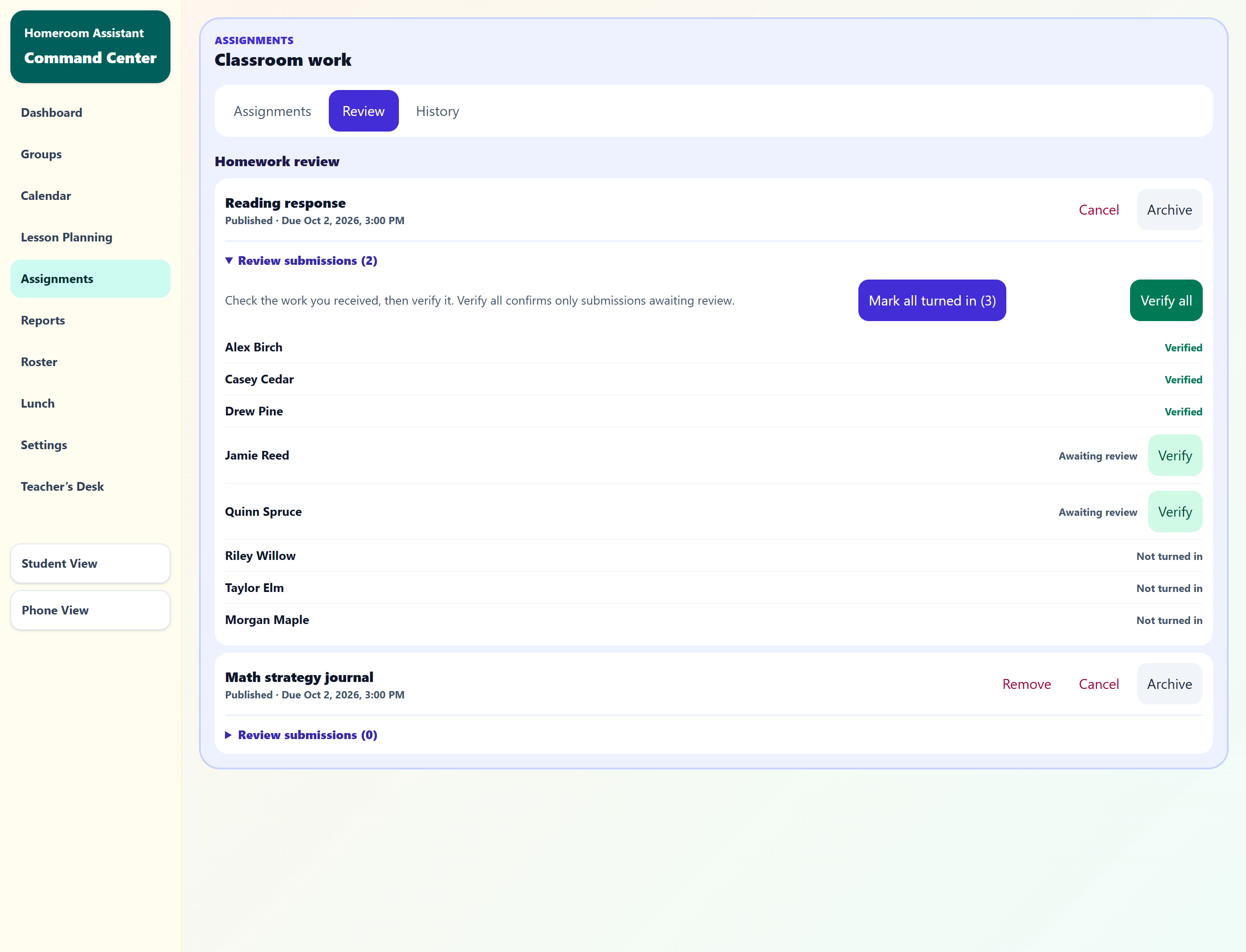
Explore active passesPublish work, review kiosk turn-ins and verify submissions.
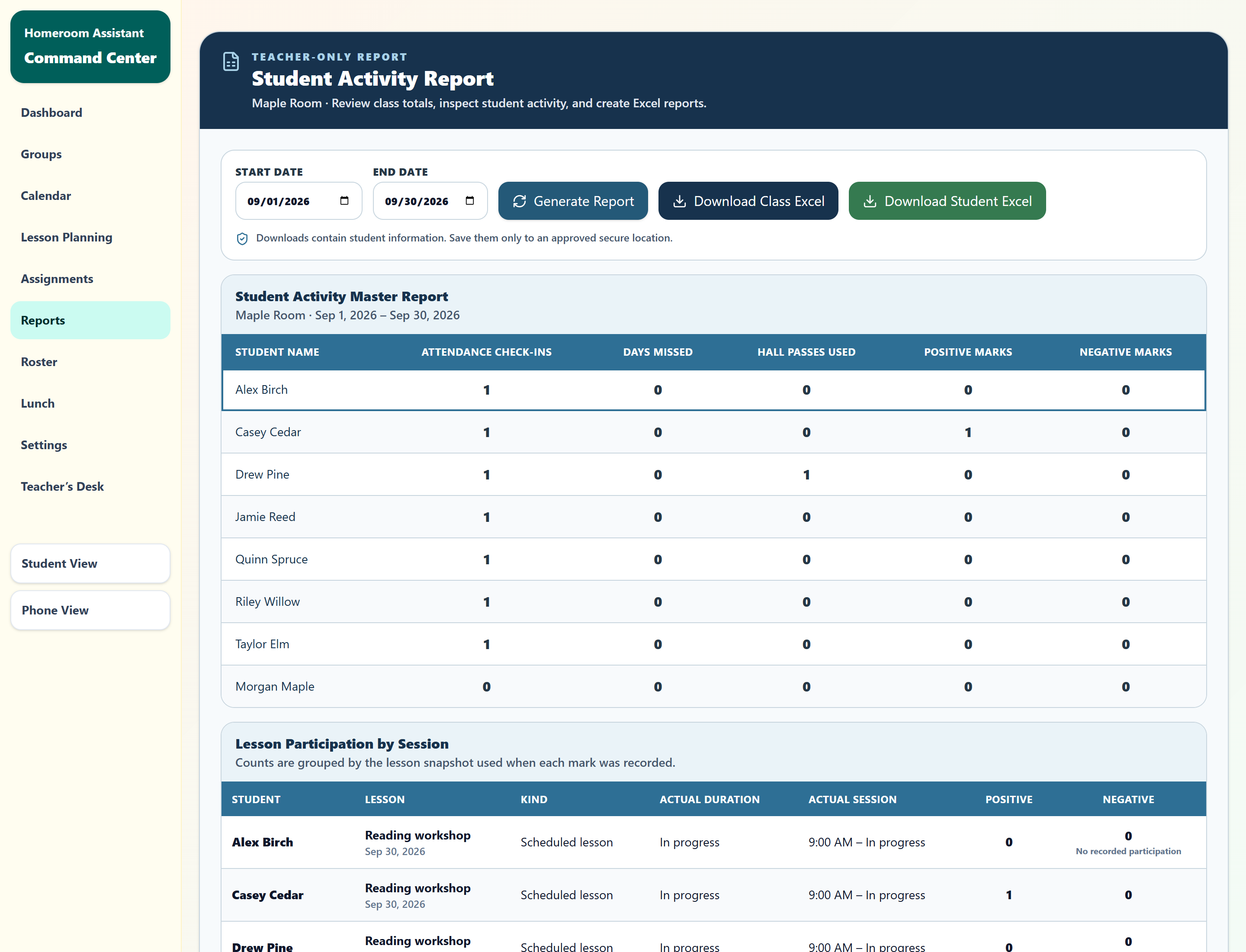
Explore assignment reviewReview attendance, passes and marks by student and date range.
Explore a reportSelf-service accounts are coming soon. If you already have a teacher account, use Teacher sign in.
Explore the dashboard, student kiosk, Teacher’s Desk, assignments, groups and reports with fictional students. Changes are temporary and reset when you reload. Lesson planning, calendar and Lesson Mode also have screenshot previews on this page.
Visit Contact for support and privacy questions.
Explore the board, kiosk and teacher workspace with fictional students.